
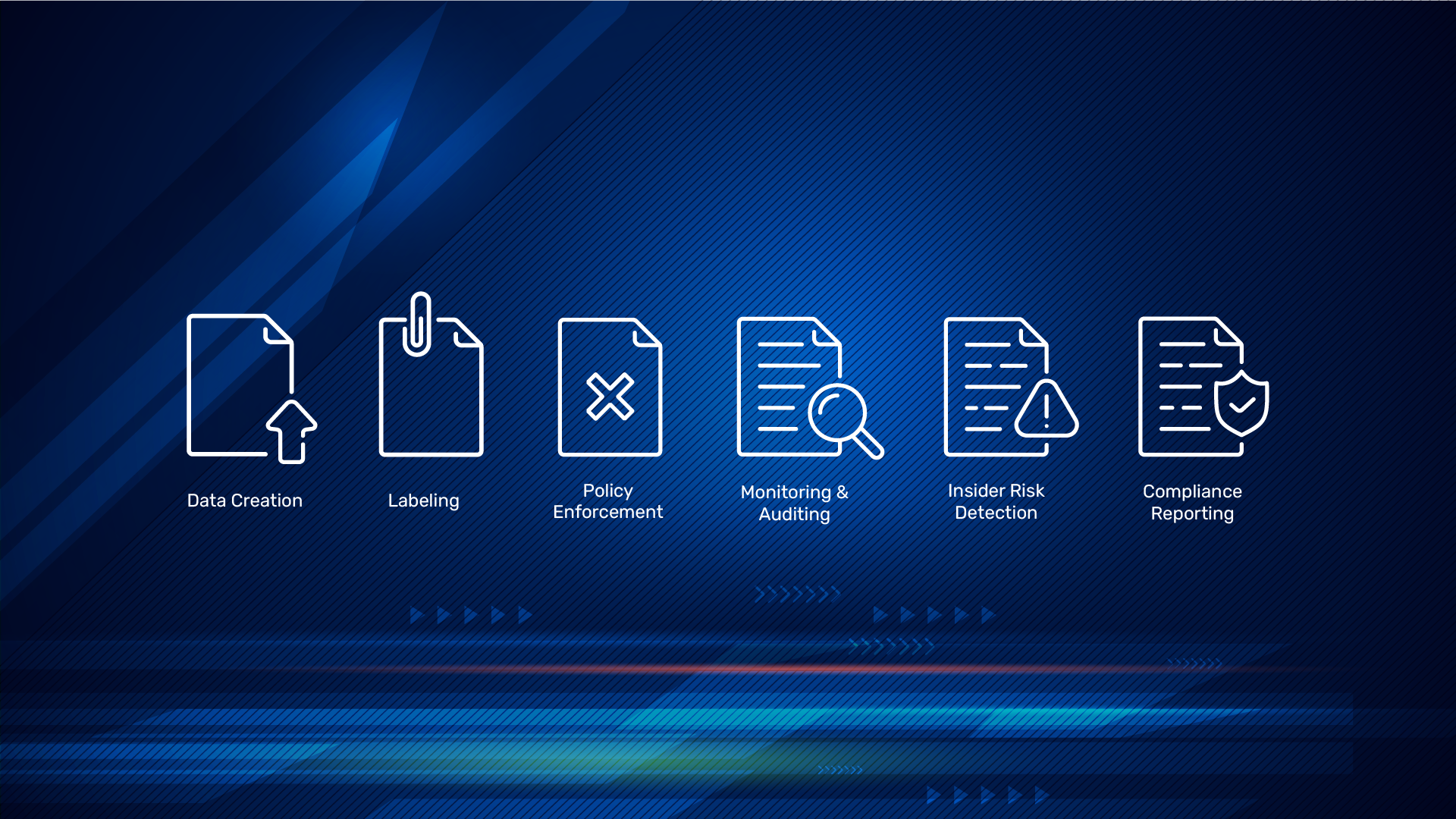

Microsoft Purview is Microsoft’s unified platform for data security, compliance, and governance. In plain terms, it helps you find your sensitive data, classify it, protect it (with labels, encryption, and access rules), reduce insider and sharing risks, and prove compliance—across your Microsoft 365 estate and beyond.
What Purview actually does?
Purview brings together core data-protection and compliance capabilities in one place. At a high level, it enables you to:
- Discover and classify sensitive data (e.g., personal, medical, financial) wherever it lives.
- Apply protection and governance via policies – encryption, restricted sharing, and access logging -based on that classification.
- Manage regulatory compliance and reduce organizational risk tied to user behavior and suspicious activity.
- Work across your Microsoft clouds (Microsoft 365 services like Exchange Online, SharePoint, OneDrive, Teams) and Azure data services.
Purview also includes tools to spot unusual user activity that could indicate data exfiltration or malicious intent – so you can investigate quickly.
How Purview strengthens your security posture
Here are practical ways Purview improves day-to-day security and compliance:
- See your data clearly – Map and discover sensitive information so you know where critical data lives; dashboards give you an at-a-glance picture of data risk.
- Classify and protect – Use sensitivity labels to encrypt files, limit access, and mark content, keeping protection even when files leave your tenant.
- Prevent data loss (DLP) – DLP policies detect and block risky actions like sending credit-card numbers via email or unsanctioned sharing from OneDrive/SharePoint/Teams.
- Investigate insider risks – Purview’s auditing and insider-risk tools help you spot suspicious behavior and investigate quickly.
- Respond faster, end-to-end – Purview integrates with Microsoft Defender XDR, enabling automated actions like blocking malicious files or remediating impacted devices.
- Demonstrate compliance – Use built-in assessments and controls to track and improve your posture against regulations and standards.
What’s inside the Purview portal
Once you sign in to the Microsoft Purview Compliance Portal (compliance.microsoft.com), you’ll land on a hub that links out to the major solutions: DLP, Information Protection (labels & encryption), Insider Risk Management, eDiscovery, Audit, Compliance Manager, Communication Compliance, Data Lifecycle & Records Management, and data governance tools (Content Explorer, Data Classification, Data Map, Glossary, Data Catalog).
Role-based access control (RBAC) ensures admins only see and manage what they should. Use Permissions and Role Groups (e.g., Compliance Administrator, Security Reader, Information Protection Admin) to scope access cleanly.
Quick start: seven practical steps
- Publish sensitivity labels – Define and publish labels in the compliance portal, then use auto-labeling to classify sensitive data in real time. (Labels enable encryption, access limits, and visual markings.)
- Roll out DLP policies – Create DLP policies for your highest-risk data types and enforce them across Exchange, OneDrive, SharePoint, Teams, and managed devices.
- Tighten access & roles – Review data access, assign least-privilege roles, and use RBAC-based role groups to segment administrative duties.
- Turn on auditing – Enable and review Audit to monitor sensitive actions, then build workflows for triage and investigations.
- Use adaptive protection – Leverage adaptive protection so controls strengthen dynamically when risk rises.
- Integrate security tools – Connect Purview with Defender for Endpoint/XDR to correlate signals and automate response.
- Pilot, then expand – Spin up a 90-day trial to validate policies with a pilot group before scaling organization-wide.
How to access Purview
Go to the Purview Compliance Portal. From there, open the specific solutions you need (e.g., DLP, Information Protection, eDiscovery, Audit).
Bottom line
Microsoft Purview gives you a single, integrated way to find, classify, protect, govern, and monitor your data—so you can reduce risk, prevent leaks, and meet compliance requirements, without stitching together point tools. Start with labels and DLP, wire in auditing and RBAC, then connect Defender XDR for end-to-end coverage.


