
What If No Click Is Required?
In every security awareness session, we repeat the same advice: “Do not click suspicious links or open unknown files.”
Great advice, until an attack arrives that does not require the user to click anything.
In July 2026, CISA and the NSA published an advisory about an espionage campaign carried out by the Russian threat group LAUNDRY BEAR. The group exploited a zero-day vulnerability in the Zimbra email platform.
The Email Looked Legitimate
The attackers sent emails that appeared legitimate and discussed cooperation, information sharing, and professional meetings.
Some messages were also sent from previously compromised accounts, because an email from someone you know will always look more trustworthy.
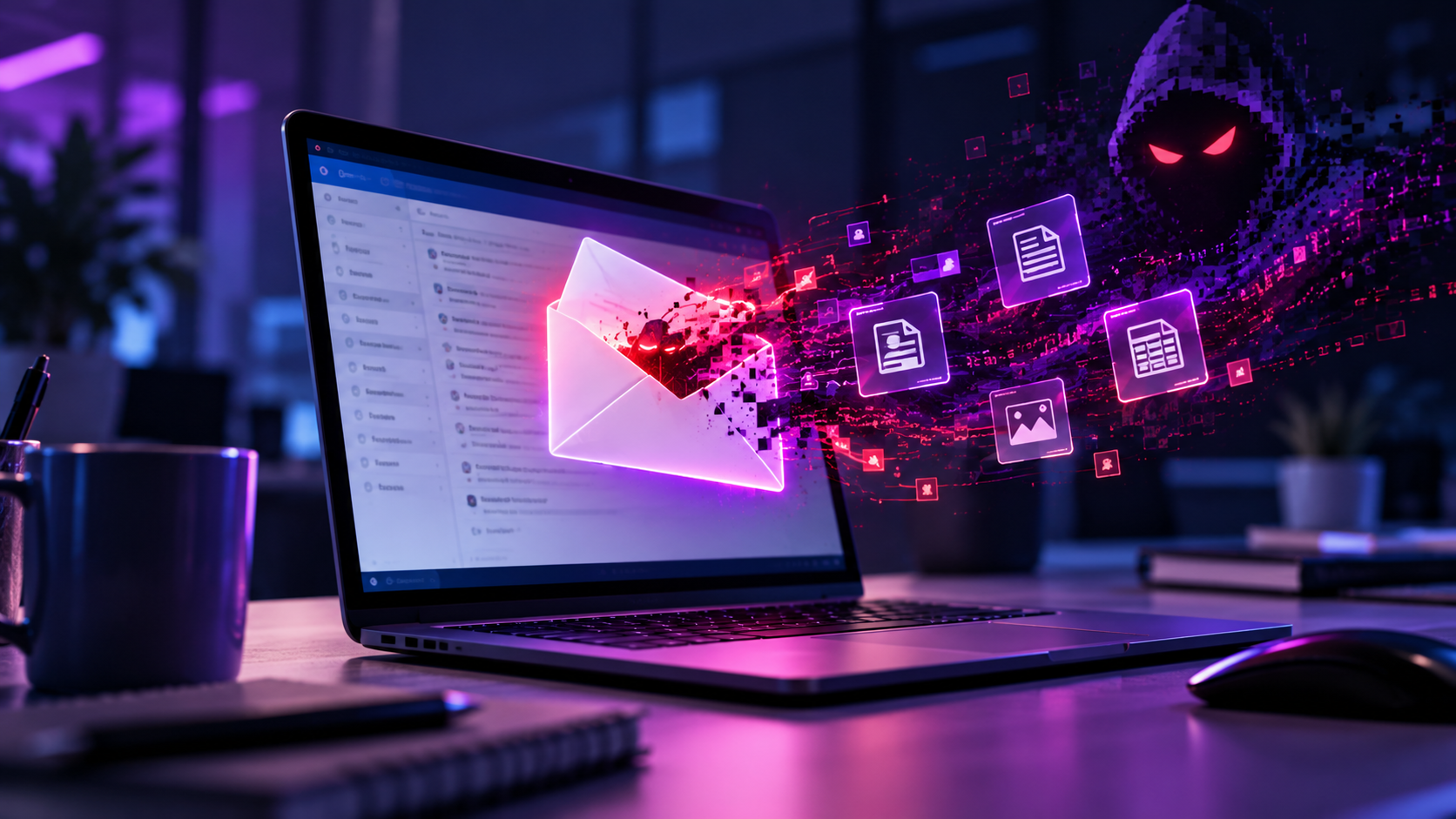
The interesting part is that the victim did not need to click a link, download a file, or enter a password.
Simply opening the email, or sometimes even previewing it, was enough to run malicious code inside the user’s authenticated Zimbra session..
What the Attackers Could Access
From there, the attackers gained access to everything they were really interested in:
- Emails from the previous 90 days
- Passwords and two-factor authentication backup codes
- The organization’s address book
- Information about the user and the email system
But stealing information was only one part of the attack.
Creating Persistent Access
The attackers created a new application password in the victim’s account.
This allowed them to maintain access to the mailbox after the original session ended and, in some cases, without completing the normal two-factor authentication process.
This activity can be mapped to MITRE ATT&CK T1098 – Account Manipulation.
The compromised accounts were then used to send malicious emails to additional targets.
The Attack Chain
The attack chain looked like this:
Opening an email → Stealing information and authentication details → Creating persistent access → Attacking more victims from a legitimate account
The campaign targeted Ukrainian government organizations, nuclear facilities, and organizations within the U.S. defense industrial base.
In other words, the attackers did not stop after reading the emails.
They took the keys to the mailbox, copied the address book, and started inviting the next guests.
How Can Organizations Protect Themselves?
- Promptly update email platforms and other internet-facing systems once a vulnerability becomes publicly known and a security patch is available
- Monitor the creation of unusual application passwords and changes to authentication methods.
- Detect unusual exports of large numbers of emails.
- Investigate abnormal communication from email servers.
- Perform threat hunting based on the indicators published for the campaign.
What Can Individuals Do?
Report unexpected emails, verify unusual requests through another communication channel, and avoid saving corporate passwords in the browser.
At the same time, we should not always treat the user as the main problem.
Security awareness can reduce human error, but it still cannot install a patch.
Not every attack begins with a malicious file, and not every intrusion leaves behind malware that is easy to detect.
Sometimes, the attacker does not need the user to make a mistake.
The system makes the mistake for them.


